オンライン会議のエチケット — Zoom時代のビジネスマナー
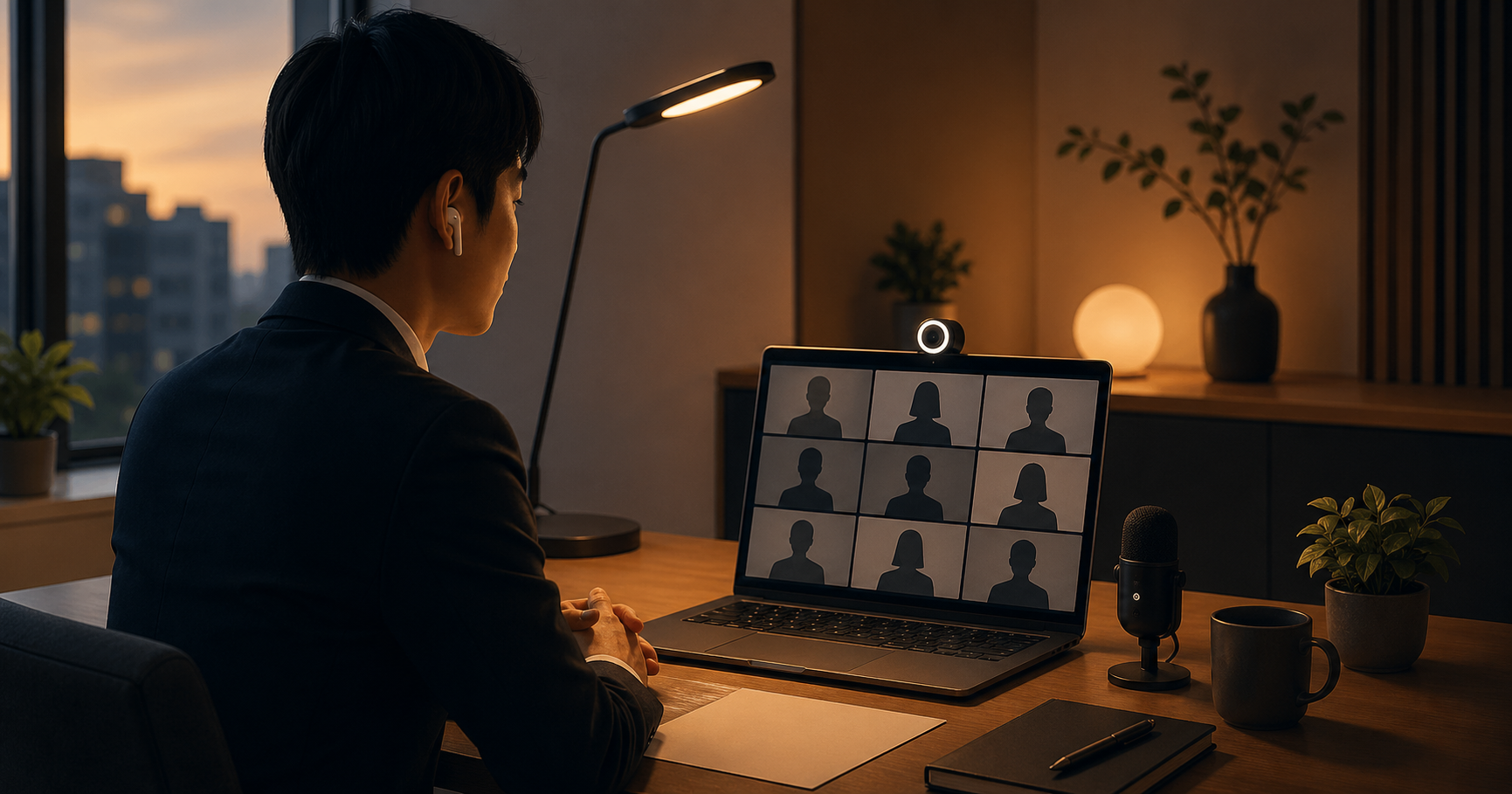
2020年の新型コロナウイルスの流行を境に、日本のビジネス現場ではZoom・Teams・Google Meetなどを使ったオンライン会議が一気に普及しました。5年が経過した今、対面とオンラインを使い分けるハイブリッドな働き方が標準となり、新たなマナーが定着しています。本記事では、現代の日本企業におけるオンライン会議のエチケットを体系的に整理します。
With the 2020 novel coronavirus outbreak as the turning point, online meetings using Zoom, Teams, or Google Meet rapidly became widespread in Japanese workplaces. Five years on, hybrid work styles using face-to-face and online selectively have become the standard, and new manners have become established. This article systematically organizes online meeting etiquette in modern Japanese companies.
入室のタイミング
オンライン会議でも対面と同様に、開始時刻の1〜2分前に入室するのが基本です。5分も早く入ると相手がまだ準備していて気まずい空気になり、逆に時間ギリギリや遅刻は失礼に当たります。接続トラブルの可能性を考慮して、初めての相手との会議や重要な商談では5分前にログインして音声・映像のテストを済ませておくと安心です。ホストが待機室を設定している場合は、ホストが許可するまで待ちます。
With online meetings as well as face-to-face, entering one to two minutes before the start time is basic. Entering five minutes early creates an awkward atmosphere when the other party is still preparing; conversely, just barely on time or late is considered rude. Considering the possibility of connection trouble, for first-time meetings or important business negotiations, it is safe to log in five minutes early to finish testing audio and video. If the host has configured a waiting room, wait until the host approves entry.
カメラはONかOFFか
コロナ禍初期は「カメラ必ずON」がマナーとされていましたが、現在は企業・チーム・会議の性質によって柔軟に判断されるようになっています。原則は次の通りです。社外の商談や初対面はONが基本、社内の定例ミーティングではOFFでも許容される企業が増えています。特に在宅勤務が長期化した今は、プライバシーや育児・介護との両立に配慮し、OFFを選ぶ人を責めない文化が広がりつつあります。迷ったらホストに事前に「カメラはどうしましょうか」と確認するのが安全です。
In the early COVID period, "camera definitely ON" was considered manners, but now, judgment has become flexible based on company, team, and meeting nature. The principle is as follows: external business negotiations or first meetings — ON is basic; internal regular meetings — more companies accept OFF. Especially now that remote work has been prolonged, considering privacy and balance with childcare or elderly care, a culture of not blaming those who choose OFF is spreading. If unsure, it is safe to confirm with the host in advance: "How should I handle the camera?"
ミュートの基本
発言しない時はミュートが原則です。在宅勤務ではキーボードの音、家族の声、宅配のインターホンなど予期しない雑音が入りやすく、他の参加者の集中を妨げます。自分の番が来たら素早くミュートを解除し、話し終わったらすぐに再ミュートします。Zoomなどにはスペースキーを押している間だけミュート解除される「Push to Talk」機能もあり、頻繁に発言する場合に便利です。ミュートし忘れて家族の会話が流れてしまう「ミュート事故」は、今でもよく起こる失敗です。
The principle is mute when not speaking. With remote work, unexpected noise — keyboard sounds, family voices, delivery intercoms — easily enters and interferes with other participants' concentration. When your turn comes, quickly unmute, and remute immediately when finished speaking. Tools like Zoom have a "Push to Talk" function that unmutes only while holding the space key, convenient when speaking frequently. The "mute accident" — forgetting to mute and broadcasting family conversation — is still a common mistake.
画面共有のプロトコル
画面共有を行う際は3つの注意点があります。第一に共有する前にデスクトップを整理しておくことです。個人的なファイルや未読メールの通知が映り込むとプロ意識を疑われます。第二に「画面全体」ではなく「特定のアプリ」だけを共有することで、誤操作による情報漏洩を防ぎます。第三に共有直前に「画面を共有します」と一言述べることです。いきなり切り替わると相手が戸惑います。共有終了後は必ず停止し、相手の画面に戻ったことを確認してから次の議題に移ります。
When performing screen sharing, there are three cautions. First, organize the desktop before sharing. Personal files or unread email notifications appearing casts doubt on professionalism. Second, share not the "full screen" but only a "specific app," preventing information leakage from misoperation. Third, state briefly "I will share my screen" right before sharing. The other party gets confused when it switches suddenly. After ending sharing, always stop, and move to the next topic after confirming the screen has returned to the other party's view.
チャット機能の活用
ZoomやTeamsのチャット機能はオンライン会議特有の強力なツールです。使い方は2つに分かれます。第一に発言を妨げずに補足情報を共有する使い方です。URLや資料のページ番号、専門用語の補足などをテキストで流すことで、音声の流れを切らずに情報を追加できます。第二に質問やコメントを残す使い方です。発言するほどではない小さな疑問をチャットに書いておけば、後でまとめて回答してもらえます。ただし、ネガティブなコメントや内輪の冗談は全員に見えるため避けてください。ダイレクトメッセージ機能でもホストには内容が残るケースがあります。
The chat function in Zoom or Teams is a powerful tool unique to online meetings. Usage divides into two. First, sharing supplementary information without interrupting speech. Posting URLs, document page numbers, or supplementary explanations of technical terms in text adds information without breaking the audio flow. Second, leaving questions or comments. Writing in chat small questions not worth speaking aloud lets you get answers collectively later. However, avoid negative comments or insider jokes as they are visible to everyone. Even with direct messages, content sometimes remains visible to the host.
沈黙が流れた時
オンライン会議では対面より沈黙が長く感じられ、誰が次に話すか分かりにくいという課題があります。基本原則は対面と同様に役職の低い人・若手から先に発言するのが従来のマナーでした。ただし、最近はファシリテーターが「Aさん、いかがですか」と名指しで指名する手法が広がっています。これは特に5人以上の会議で有効で、誰も発言しない気まずい時間を避けることができます。自分が名指しされたら5秒以内に「はい、私は〜」と反応するのが望ましいです。
In online meetings, silence feels longer than face-to-face, and it is hard to tell who speaks next. The basic principle, like face-to-face, was conventionally for the lower-position or junior staff to speak first. However, recently the method of facilitators nominating by name — "Mr/Ms A, what do you think?" — is spreading. This is especially effective for meetings of five or more people, avoiding awkward moments where no one speaks. When nominated by name, it is desirable to respond within five seconds: "Yes, I ~"
録画と同意
会議を録画する際は必ず事前に全員の同意を取ります。アジェンダに「本会議は録画します」と記載し、開始時に改めて口頭で「これから録画を開始します。よろしいでしょうか」と確認するのが標準です。個人情報保護法や社内情報管理規程の観点から、同意なしの録画はトラブルや懲戒処分の原因になります。録画データの保管場所と保存期間も事前に共有しておくと安心です。特に社外の相手との会議では、相手企業のセキュリティポリシーで録画が禁止されている場合も多く、必ず確認が必要です。
When recording a meeting, always obtain everyone's consent in advance. The standard is to state "This meeting will be recorded" in the agenda and verbally confirm again at the start: "We will now begin recording. Is that okay?" From the perspective of the Personal Information Protection Act and internal information management rules, recording without consent can become a cause of trouble or disciplinary action. It is also safe to share in advance the storage location and retention period of recording data. Especially in meetings with external counterparts, recording is often prohibited by the other company's security policy, so confirmation is always necessary.
敬語レジスターの違い
オンライン会議では対面よりややフォーマルな敬語が使われる傾向があります。理由は2つで、第一に表情やボディランゲージが伝わりにくいため言葉で補う必要があること、第二に録画される可能性があり後で聞き返されることを意識するためです。たとえば「分かりました」より「承知いたしました」、「いいですか」より「よろしいでしょうか」を選ぶ傾向が強まります。退室の際も「失礼します」より「本日はありがとうございました」と一言添えるのが丁寧です。
In online meetings, somewhat more formal keigo than face-to-face tends to be used. There are two reasons: first, because facial expressions and body language are hard to convey, words must supplement them; second, awareness that they may be recorded and listened back to. For example, "I understand (shouchi itashimashita)" is preferred over "I get it (wakarimashita)," and "Would it be okay? (yoroshii deshou ka)" over "Is it okay? (ii desu ka)." When leaving, adding "Thank you for today" rather than just "Excuse me" is polite.
退室の挨拶
会議が終了したら、ホストより先に退室するのは原則避けます。相手が来賓や役員の場合は、相手が退室するのを待ち、最後に自分が退室します。退室直前には「本日はありがとうございました。失礼いたします」と挨拶し、軽くお辞儀する姿がカメラに映るようにすると好印象です。Zoomの「手を振る」リアクションを使う人も増えています。全員が同時に退室しようとして気まずい空気になる時は、ファシリテーターが「それでは、お疲れ様でした」と締めることで全員が同時に退室しやすくなります。
When the meeting ends, avoid leaving before the host as a principle. If the other party is a guest or executive, wait for them to leave and you leave last. Right before leaving, greet with "Thank you for today. Excuse me," and a light bow appearing on camera makes a good impression. More people are using Zoom's "wave hand" reaction. When an awkward atmosphere arises with everyone trying to leave simultaneously, the facilitator closing with "Well then, thank you for your hard work" makes it easier for everyone to leave together.