Web版Eightのリニューアルと、安全なリリースのための取り組み
こんにちは。Eightでエンジニアをしている藤野です。さて今回は、Web版Eightをリニューアルした話と、リリースにあたって障害懸念を減らすために行ったアプローチについて話します.
Hello. I'm Fujino, an engineer at Eight. Today I'll talk about how we renewed the web version of Eight, and the approaches we took to reduce failure risks during the release.
Web版Eightリニューアル!
EightにはWeb版とモバイルのアプリ版がありますが、今まではアプリ版を中心にリニューアルが進められていきました。そのためWeb版のUIに関しては、検索の操作性や機能性のアップデートが遅れ気味でした。
Eight has both a web version and a mobile app, but until now renewals had been driven primarily around the app. As a result, updates to the web UI's search operability and functionality had been falling behind.
今回のリニューアルでは特に検索の操作性向上に力を入れています。トップページをフィード画面から連絡先画面に刷新し、ログインしてすぐに検索をすることが可能になりました。また新たに名刺交換日での絞り込みが可能になったり、任意の条件で検索した名刺の情報に一括でタグを付与できるようになったりと、アプリ版では手が届きにくいWeb版ならではの操作性を実現しました。
This renewal focused especially on improving search operability. We overhauled the top page from a feed screen to a contacts screen, making it possible to search immediately after logging in. We also added filtering by business card exchange date and batch-tagging of cards matching any search criteria — delivering web-specific operability that the app version struggles to match.
リリースに向けての動き
Feature Toggle
大規模なリリースにおいて、課題となるのがブランチ戦略です。特にUI部分が変わるような変更の場合、間違ってリリースされてはいけないのでmainブランチにマージするかを判断する必要が出てきます。Web版Eightの開発チームではブランチ戦略にgit flowを採用しているのですが、複数チームが並行して開発するとなった場合には大きなfeatureブランチからブランチを切っていくことになります。そうなるとブランチ間の依存関係などを考慮しながら開発を進める必要があるため、非常に厄介です。
In a large-scale release, branching strategy becomes a real challenge. Especially when UI changes are involved, you need to decide whether to merge into main since accidental releases must be avoided. The Web Eight dev team uses git flow, but when multiple teams develop in parallel, they end up branching off a large feature branch. That means you have to develop while considering inter-branch dependencies, which is extremely troublesome.
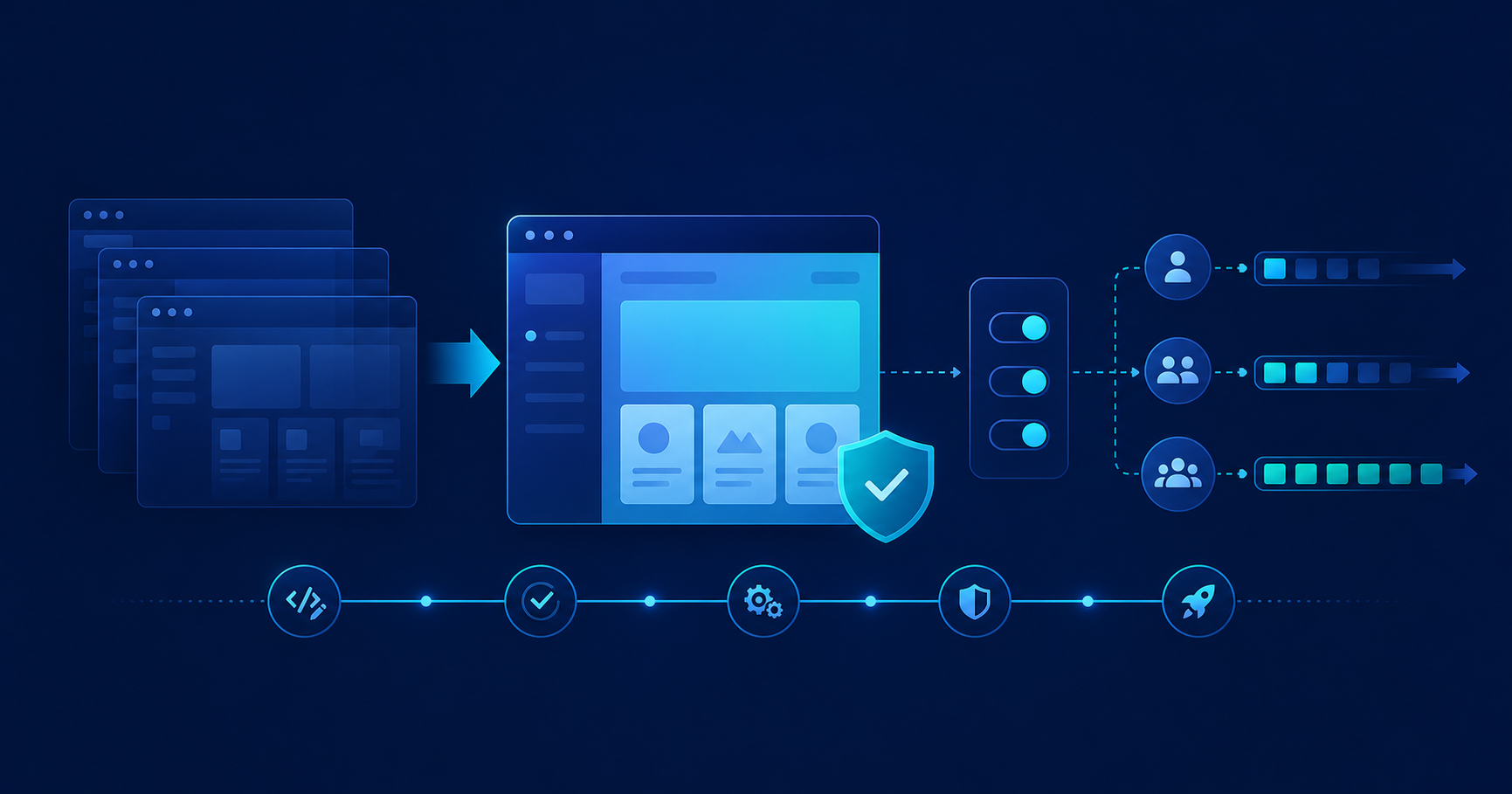
そこで打ち手としてFeature Toggleを実装しました。Feature Toggleとは、任意の環境・任意のユーザにおいてのみ特定のフラグ(状態)を持たせるように制御するものです。ただし、注意が必要で機密性の高いリリースには適さないということです。なぜならJavaScript側でUIを切り替える戦略は、コードから内容が読み取れてしまう可能性があるからです。しかし、今回の刷新においては機能の整理が主目的であり、機密性はそれほど重要ではありませんでした。
So we implemented Feature Toggle as a countermeasure. A Feature Toggle controls specific flags (states) only for certain environments and certain users. However, be aware that it is not suitable for confidential releases, since a strategy of switching UI on the JavaScript side means the content could potentially be read from the code. But in this renewal, the main purpose was reorganizing features, so confidentiality was not that important.
CSSでの画面切り替え
今回のWeb版の刷新では、主にトップページの検索画面に関してのみ手を加えており、他の画面に関してはヘッダーや背景色をのぞいて既存を踏襲したものになっています。そのため既存のコンポーネントを再利用して刷新を進めていったのですが、Feature Toggleを使ってコンポーネントを出し分けていく方針にはデメリットがありました。それは、単に出し分けるだけではファイル数やコード量が増えていく一方だということです。
In this web renewal, we only touched the top page search screen; other screens inherited the existing design aside from headers and background colors. So we reused existing components to drive the overhaul, but the approach of selectively rendering components via Feature Toggle had a drawback: simply switching between old and new would only keep increasing file count and code volume.
そこで今回、body要素に対してFeature ToggleがONになっている場合にのみ特別なクラス名を付与することでCSS経由でUIを変更する方法でアプローチしました。このmixinはCSSの詳細度を利用することで既存のスタイルを上書きするためのものです。刷新後のリファクタリングでは、mixinの呼び出し部分を削除してmixinの中身だけを残すだけで済むようにしました。
So this time, we approached it by assigning a special class name to the body element only when the Feature Toggle is ON, and changing the UI via CSS. This mixin uses CSS specificity to override existing styles. After the overhaul, refactoring only requires removing the mixin invocations and keeping just their inner content.